
Choose a topic. Open the detailed explanations when you need them.
Manage your IT as a whole
IT is more than a machine list. It includes access, updates, backups and the services users depend on. We take in the whole setup and prioritise interventions around what needs to keep working.
Support that evolves with your business
Several law firms and businesses of different sizes entrust us with their IT over time. We follow the installation through growth, changing uses and transitions, retaining knowledge of what was built before.
We also work on specific needs, from an audit to taking over an installation. Some clients have been with Karbonic since its beginnings; others call on us for a particular problem. The duration follows the need.
For your installation, inventory, central patch management, backups, EDR/XDR protection and 3CX telephony are examined together. NetWatch compares the local network inventory with protection coverage. Support hours remain defined in the engagement.
Devices and servers
Identify devices, their roles and the access they require.
IT estate and central management
We keep inventory, software, accounts and permissions together. Central management tools then help prepare updates and interventions. Tracking changes keeps the inventory from becoming an outdated snapshot.
Physical and virtualised servers
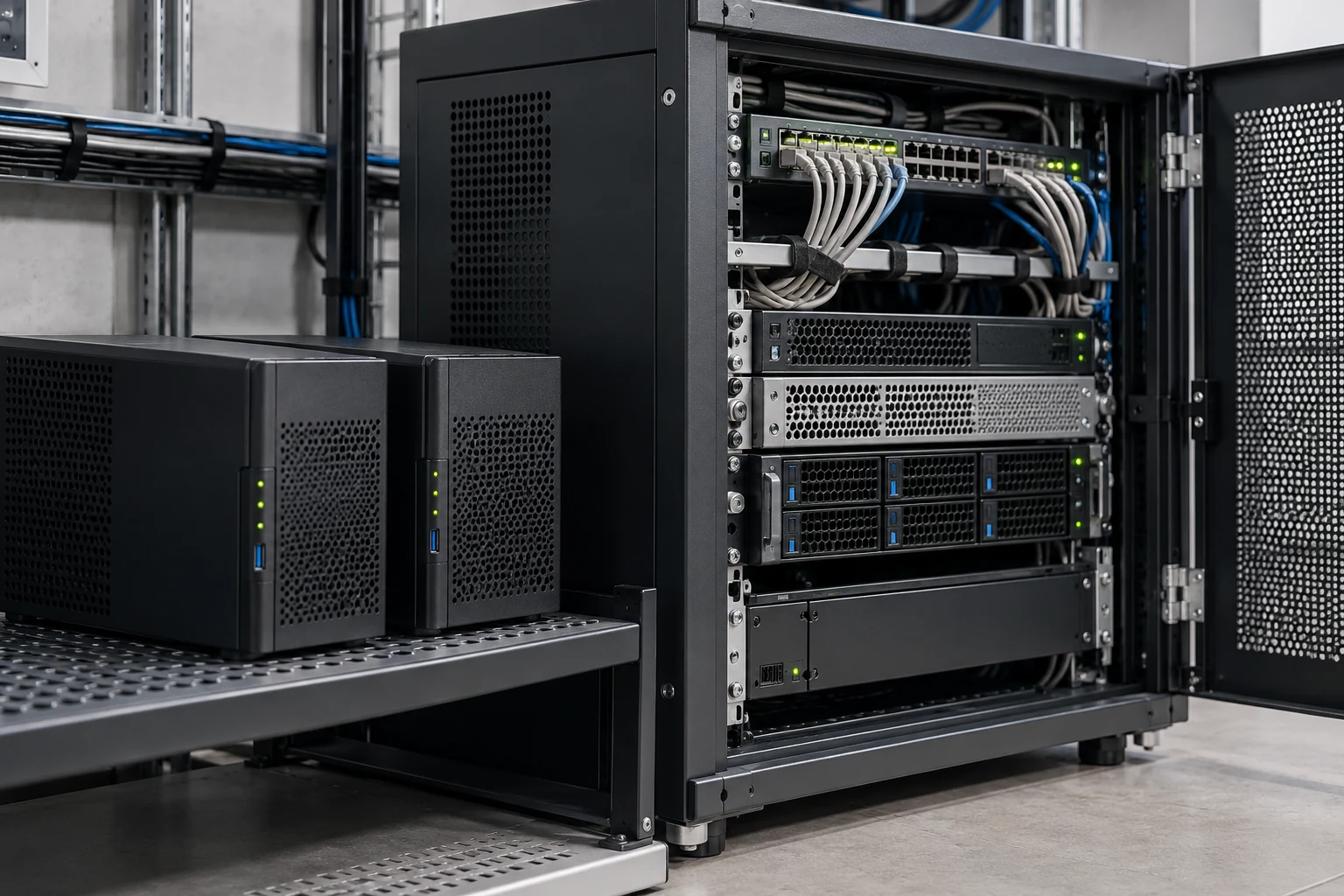
For a physical or virtual server, we examine the services it carries, storage, capacity and access together. Hosts and virtual machines form one installation. A few microservers may suit some environments; sizing follows the requirements.
Network and continuity
Connect locations, protect access and check recovery after an outage.
Network, firewalls and remote access
Equipment connections, firewall rules and remote access are configured and monitored. Availability, security and user needs inform network decisions.
Backups and recovery after an incident
We identify the data and configurations to back up, the copies to retain and the restart order. A restoration trial then checks recovery with the access and environment it depends on.
Communication and protection
Manage telephony and alerts in the context of your installation.
3CX telephony and communication
Telephony is part of the installation: IP phones, applications, users, call groups and network access are integrated into management. Exchanges with your applications can also be examined.
Security and monitoring tools
EDR/XDR tools, central patch management and NetWatch contribute to monitoring protection, updates and interventions. Alerts are examined in the context of the installation. Checks and actions are adapted to available access and risks.
Hosting and taking over existing systems
Choose where services run and prepare to take over their management.
On premises, hosted or split between both
Services can stay on your equipment, be hosted or be distributed according to use. Costs, access and recovery conditions are compared before changes.
Take over an existing installation
An initial assessment identifies equipment, access, backups and urgent issues. Initial improvements and recurring management are then distinguished in the proposal.
Your questions
Must all equipment be replaced to take over its management?
Taking over IT management does not mean replacing the equipment. We keep what still fits and explain support, capacity or security limits elsewhere. Replacements can then be prepared rather than forced by a failure.
Can you take over servers and access from a previous provider?
The handover is prepared using available access, contracts, backups and documentation. Missing items are identified before changing the installation, to reduce the risk of interruption.
What does ongoing support cover?
The scope, planned interventions, hours, exclusions and emergency arrangements are described in the proposal. Licences, one-off work and ongoing support are distinguished.