

Choose a topic. Open the detailed explanations when you need them.
Karbonic software
You need a tool for a particular job. Here are the programs developed by Karbonic and the integration work they support. The choice starts with the use and your existing setup.
These tools address security, IT estate management and publishing needs. Functional scope and terms of use are specified for each tool.
Choose according to your needs
Secure a website, monitor devices or publish a manual: each tool has a defined scope.
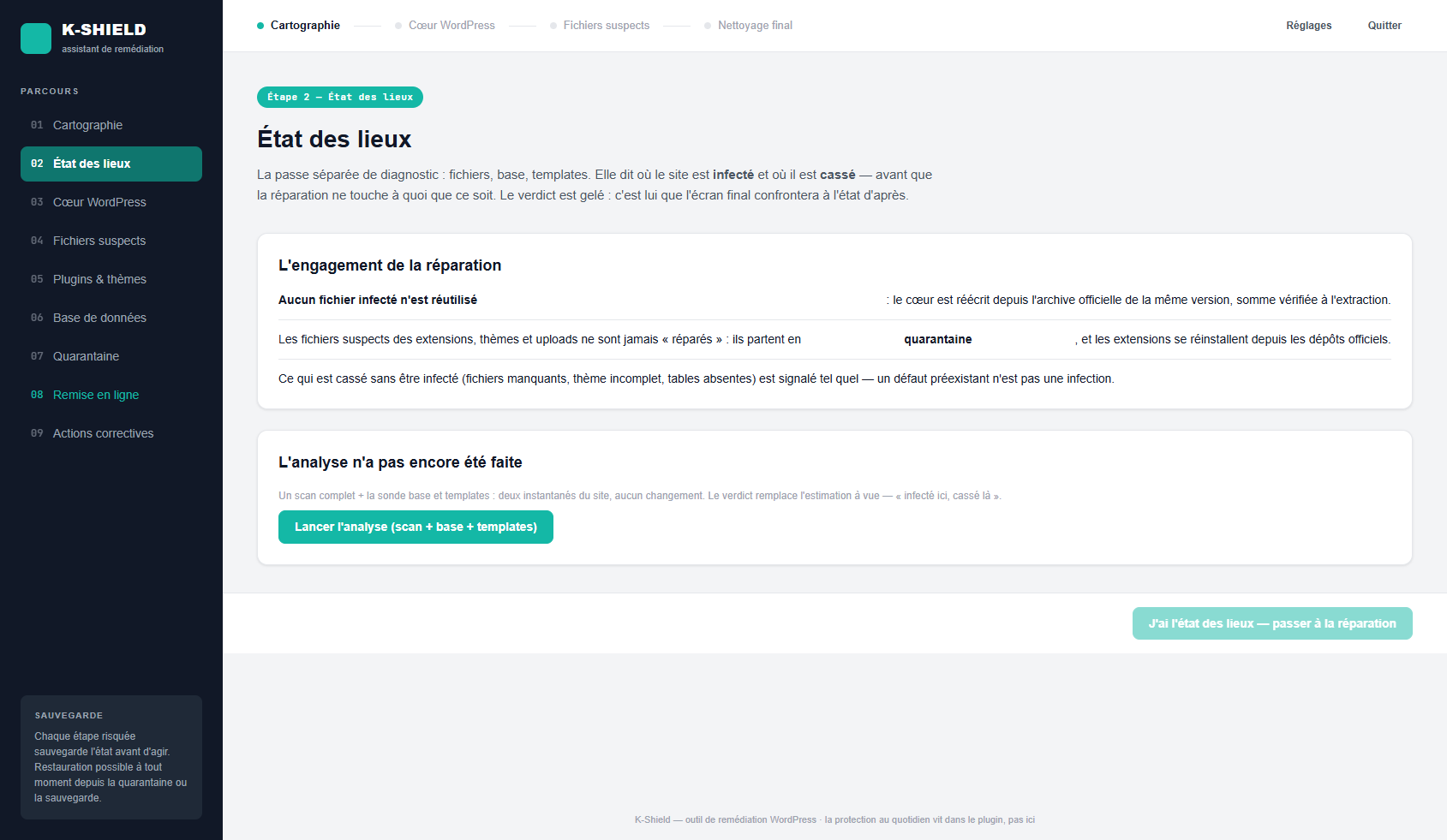
K-Shield
My WordPress website has been compromised: I want to recover and protect it.
Functions and integration
A diagnosis should make clear which items are affected. K-Shield combines recovery and protection functions with a report that names the detected files.
- Reinstalling a clean core, signature-based and heuristic detection, reversible quarantine.
- Database cleaning and website hardening.
- Monitoring through a web application firewall and behavioural analysis, depending on the configuration.
Getting started
The website address and what makes you suspect a problem.

NetWatch
I want to see network devices and gaps in endpoint protection.
Functions and integration
Inventory and protection information are brought together to make gaps visible. NetWatch is deployed at customer sites and operates from the local network.
- Equipment inventory and protection coverage checks.
- Reports and alerts to guide further checks.
- Command execution from a workstation on the network, within the agreed scope of intervention.
Getting started
The equipment to monitor, the tools already in place and the information you want to see in a report.
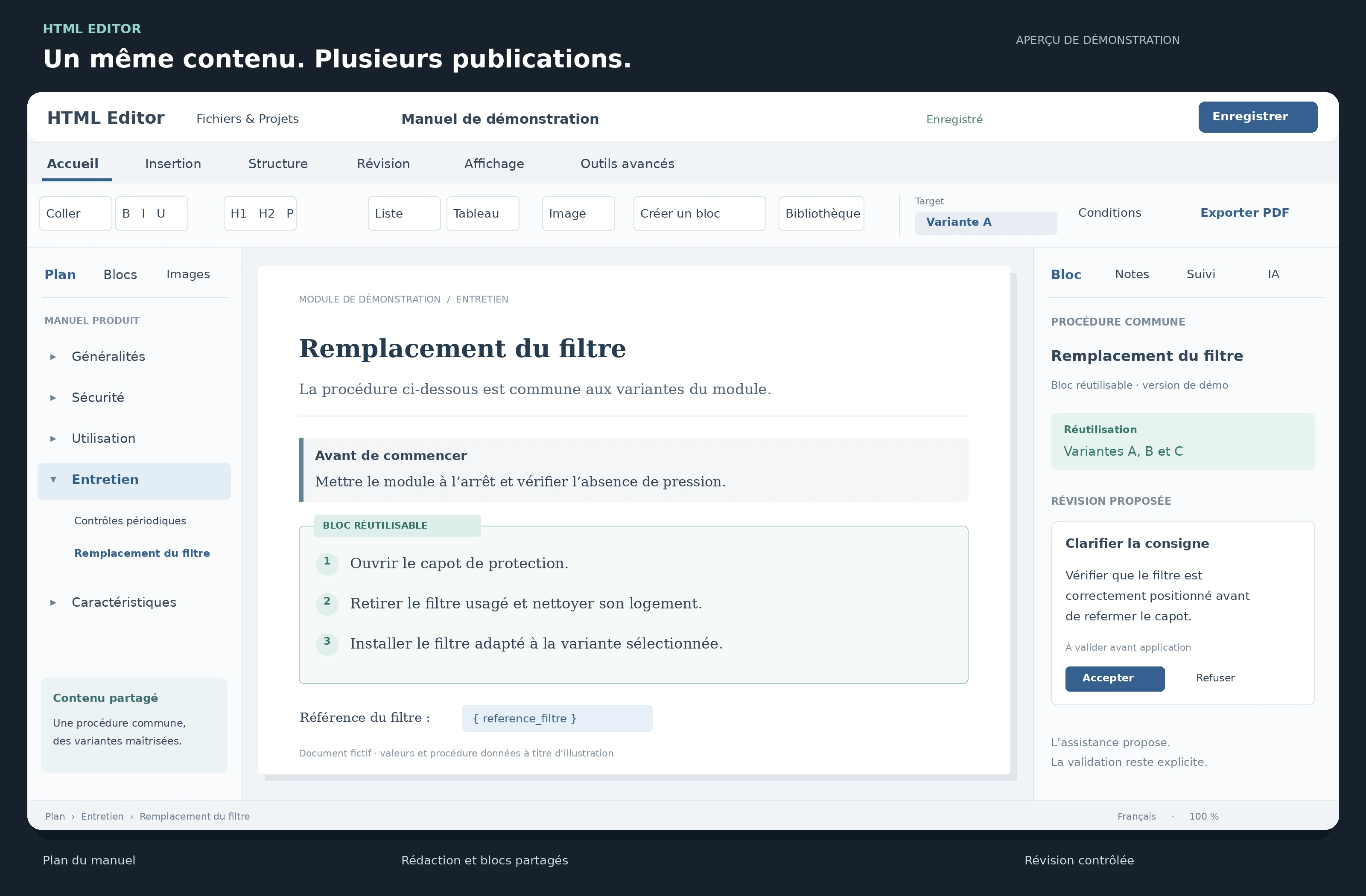
HTML Editor
I want to write once, reuse content and publish in several formats.
Functions and integration
HTML Editor is an AI-controllable technical documentation editor. Structured authoring and review are organised around the sources and expected output formats.
- Reusable sections and blocks, conditions, variables and output profiles.
- Round trips with word-processing documents and PDF publishing.
- Checks on tables, illustrations, variants and published output.
Getting started
A document, the languages to maintain and the outputs required.
Adapt or build
Development and integration start with your work and existing tools.
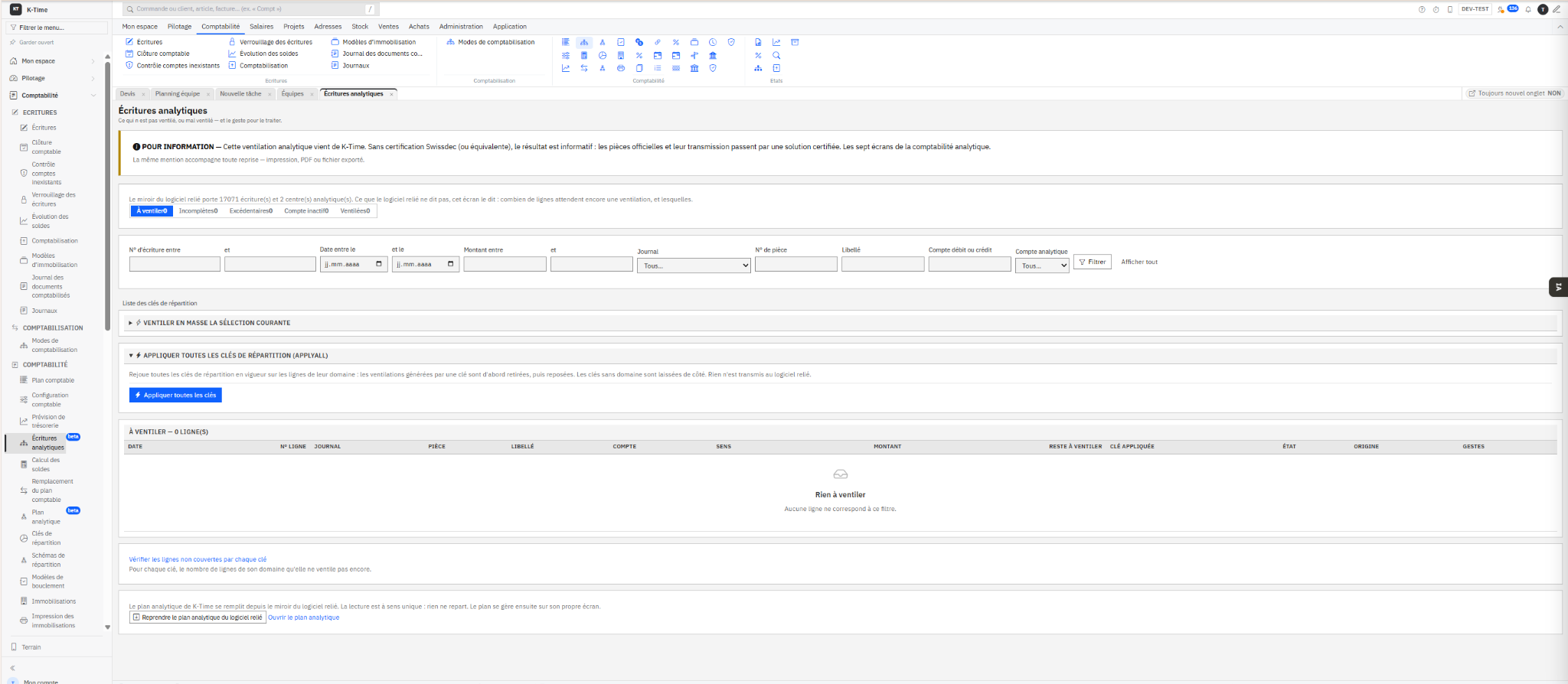
K-Time
I want to connect business operations and the data my organisation uses.
Functions and integration
I want to connect business operations and the data my organisation uses.
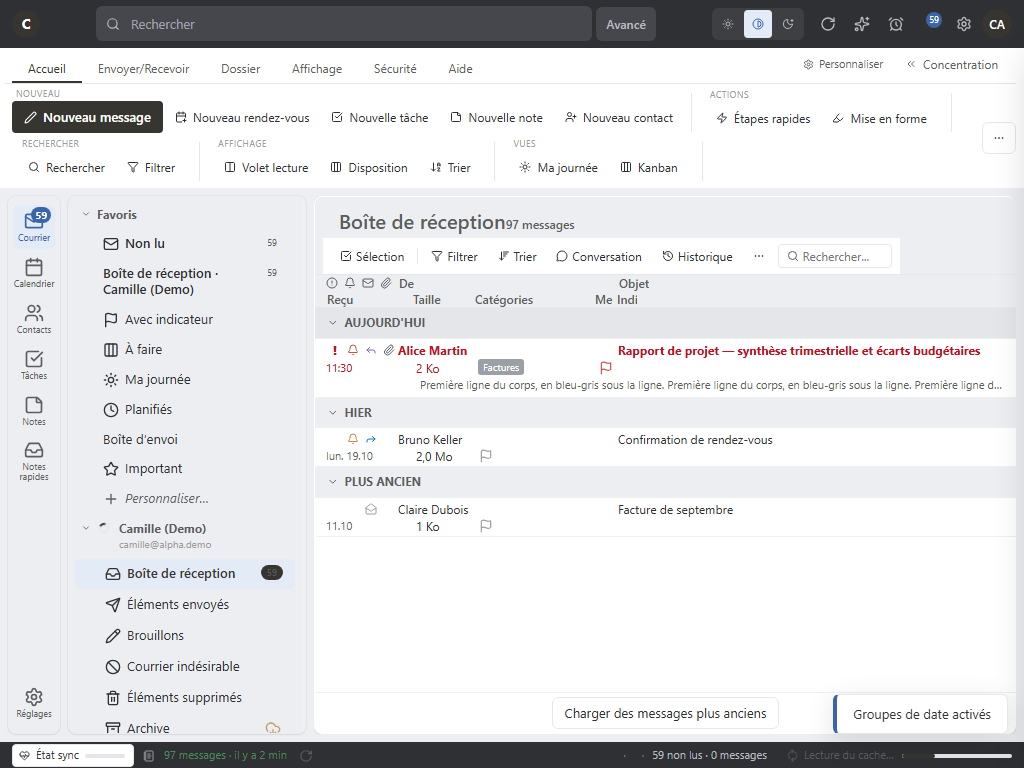
ClearMyMails (CMM)
I want to find messages, calendars and contacts in one environment.
Functions and integration
I want to find messages, calendars and contacts in one environment.

Document management
I want to find documents and organise how they are processed.
Functions and integration
Organise documents and keep files accessible outside the application.

Document summaries
I want summaries whose information remains linked to the source documents.
Functions and integration
A summary in which every fact remains linked to its source.
Development & integration
“My requirement calls for specific development.”
Other work includes a business ERP, a desktop email client, document management that keeps files accessible, and a summarisation engine linking facts to source documents.
Tools, connectors and business functions are developed to meet a specific need. Their scope and integration are defined within the engagement.
Explore the work and engineering principles
Business ERP · Mail and calendars · Document management · Synthesis and sources
Software for your business
“My tool already exists, but it no longer does what I need.”
An application can be created, adapted or connected to other systems. An AI-generated prototype can also be examined to identify reusable parts, defects and the work required for deployment.
- Describe operations and expected results.
- Examine data, access and exchanges with other tools.
- Define an initial version and how it will be checked.
Getting started
A real task, the limitations of the current tool and an example of the desired result.
Let's discuss what you want to improve
You can describe the need in your own words. Options, scope and the work required will be discussed with you.