Karbonic · IT, software and documentation

IT that supports your work.

Manage your IT, create software, automate a task or rework your documents: start with what is taking up your time.

Illustration of a person at a workstation with an IP phone and a compact computer.
Tools designed around real work.

From request to result

Choose an example

Your request

I’d like a website that explains my services and is easy for me to update.

Your business

Your services,
clearly explained.

  • Services
  • Projects
  • Contact

Structured content · published after approval

A clear page, ready for reviewExplore this use case

Animated example · fictional data

IT management · Development · Technical communicationLe Locle, Switzerland
Send by email

Our services

What do you need?

Choose what you need to explore the possibilities and see a concrete example.

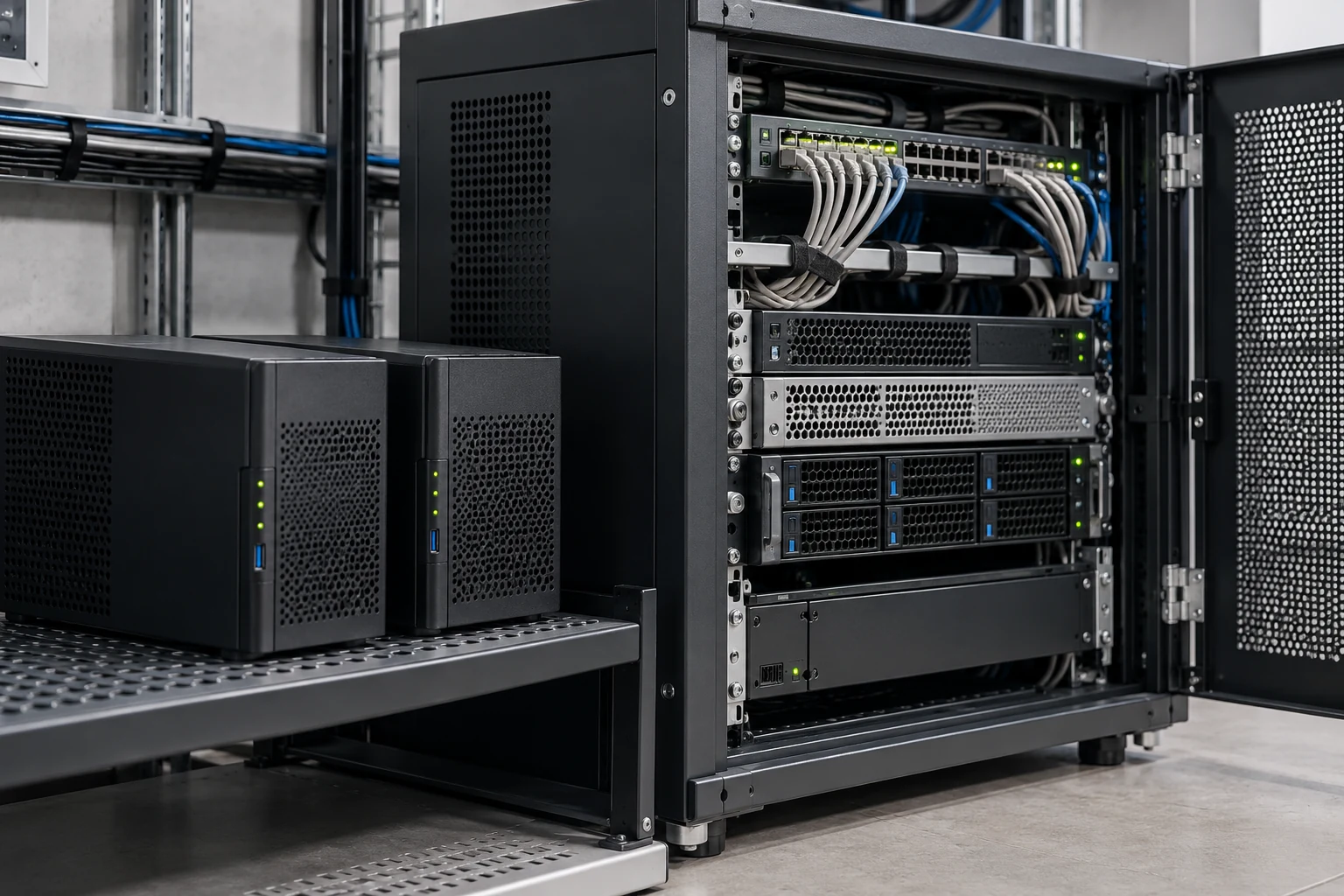
Illustration of compact infrastructure with servers and network connections.

IT estate · Servers · Telephony

IT management

My IT needs to work without taking up my time every day.

Workstations, servers, networking, backups and 3CX telephony: your installation is managed as a whole.

Long-term support for law firms through growth and transitions.

Explore this serviceShow less

Take over and centralise management

Equipment, accounts, licences and access are inventoried. Updates and interventions are organised with an overall view, including for remote staff.

Manage servers and telephony

Physical servers, virtual machines, storage, networking and 3CX are managed together. Dependencies are identified to understand what a failure or change could affect.

Check recovery after a failure

The backups needed and the order of recovery are defined. Tests establish what can be restored and what is still missing.

Getting started

An existing inventory, the main problems encountered and the services that must remain available.


Full service details
Illustration of a workspace for analysing security events and network connections.

EDR / XDR · Audits · Investigation

Security & forensics

Am I properly protected? And what happened?

IT estate protection, alert analysis, audits and digital investigation: the measures are chosen according to your risks.

An IT estate restored after an intrusion.

Explore this serviceShow less

I already have antivirus protection: what is missing?

Existing protection, access, patches and backups are examined. The value of EDR is assessed against the information to protect and the capacity to handle alerts.

EDR, XDR: do I need both?

EDR helps investigate workstations and servers. XDR brings together several sources. The choice depends on the estate, connections and questions that need answering; a product name alone is not enough.

I need to understand an incident

Firewall logs, system activity, storage media and phones can be examined. Deleted data and location traces are sought according to what remains available, without promising recovery in every case.

Getting started

Your current protection, a specific alert or incident, and the consequences you want to avoid for your business.

Full service details
Illustration of a person developing software on two screens.

Applications · ERP · Code recovery

Custom software

My tool no longer fits the way I work.

Creating an application, taking over software or consolidating a prototype: your business rules guide development.

ERP development since 1999, from financial consolidation to construction.

Explore this serviceShow less

Build an application that is useful day to day

Screens, calculations, data, users and access rights are defined from real situations. An initial version allows the people involved to check how it works.

Develop what already exists

Legacy software or an AI-generated prototype can be audited. Reusable parts, defects and dependencies are identified before proposing further development.

Prepare for deployment

Data, possible errors, backups and updates are checked. Source handover, licences and support are specified as part of the project.

Getting started

A business task, a few examples of data and the limitations of your current tool.

Full service details FR
Abstract composition of structured information flows.

Connections · Documents · Reports

Task automation

I keep copying, filing and checking the same things.

Data exchanges, documents and reports can be prepared automatically, with checks on exceptions.

Centralised documentation sets for reusing content and translations.

Explore this serviceShow less

Connect the tools already in use

One application can receive data from another, a document can be prepared from a form, or a folder can be filed according to your rules. Available access and interfaces are examined.

Use AI where the task justifies it

AI can help read varied documents or prepare a summary. For a fixed rule or a data transfer, conventional processing may be easier to verify.

Know what happens when an error occurs

A missing document, a duplicate or a lost connection must be identified. Stop, recovery and validation conditions are planned; an error should not spread silently.

Getting started

A repetitive task and a few examples, including a problematic case.

Full service details FR
Illustration of a technical writing workspace with reference parts and measuring instruments.

Word · Structured authoring · DITA / DocBook

Documentation & translation

My documents exist, but they are difficult to maintain.

Writing, reworking Word files, harmonisation, translation and publishing: your content is organised for reuse.

Writing, translation and documentation management for dozens of clients over more than twenty years.

Explore this serviceShow less

Reuse my existing Word documents

The useful versions are identified. Headings, styles, tables, illustrations and terminology are harmonised; repetition and outdated passages are addressed with your specialists.

Write and translate without starting again

Shared content, product variants and languages are organised. Wording is revised where needed, then terms, values and instructions are checked against the sources.

Choose a structure and publish

Structured Word, HTML, DITA or DocBook: the format is chosen according to your documents, tools and reuse requirements. Web, PDF and print outputs are prepared from that structure.

Getting started

One or two representative documents, the languages required and the desired publishing formats.

Full service details
Abstract composition of rings and flows arranged around a centre.

Local AI · Hosting · Independence

Data & artificial intelligence

I want to benefit from the tools without losing control of my data.

Local processing, hosted services or a hybrid setup: uses, costs and data flows are explained.

Summaries that keep every fact linked to its source.

Explore this serviceShow less

Choose a first concrete use case

A sample allows results, preparation time and required corrections to be compared. Value is assessed against your work before the processing is extended.

Understand what leaves the business

Documents transmitted, providers' access and retention conditions are identified. A local or hybrid solution can be considered where some processing must remain on site.

Keep the option to change

Exports, backups, formats and dependencies are examined. Ways to recover information and resume work elsewhere are planned from the start.

Getting started

A proposed use case, the type of data involved and your confidentiality requirements.

Full service details

The links between your tools matter too

Does your need span
several areas?

Our work is information processing: producing, structuring, protecting, translating and publishing information, and connecting it across your tools.

A manual can be linked to your product data. A report can bring together information from several tools. An application needs to fit your network and access rules.

These connections are considered from the outset, with an overall understanding of your business.

How the work is organised FR
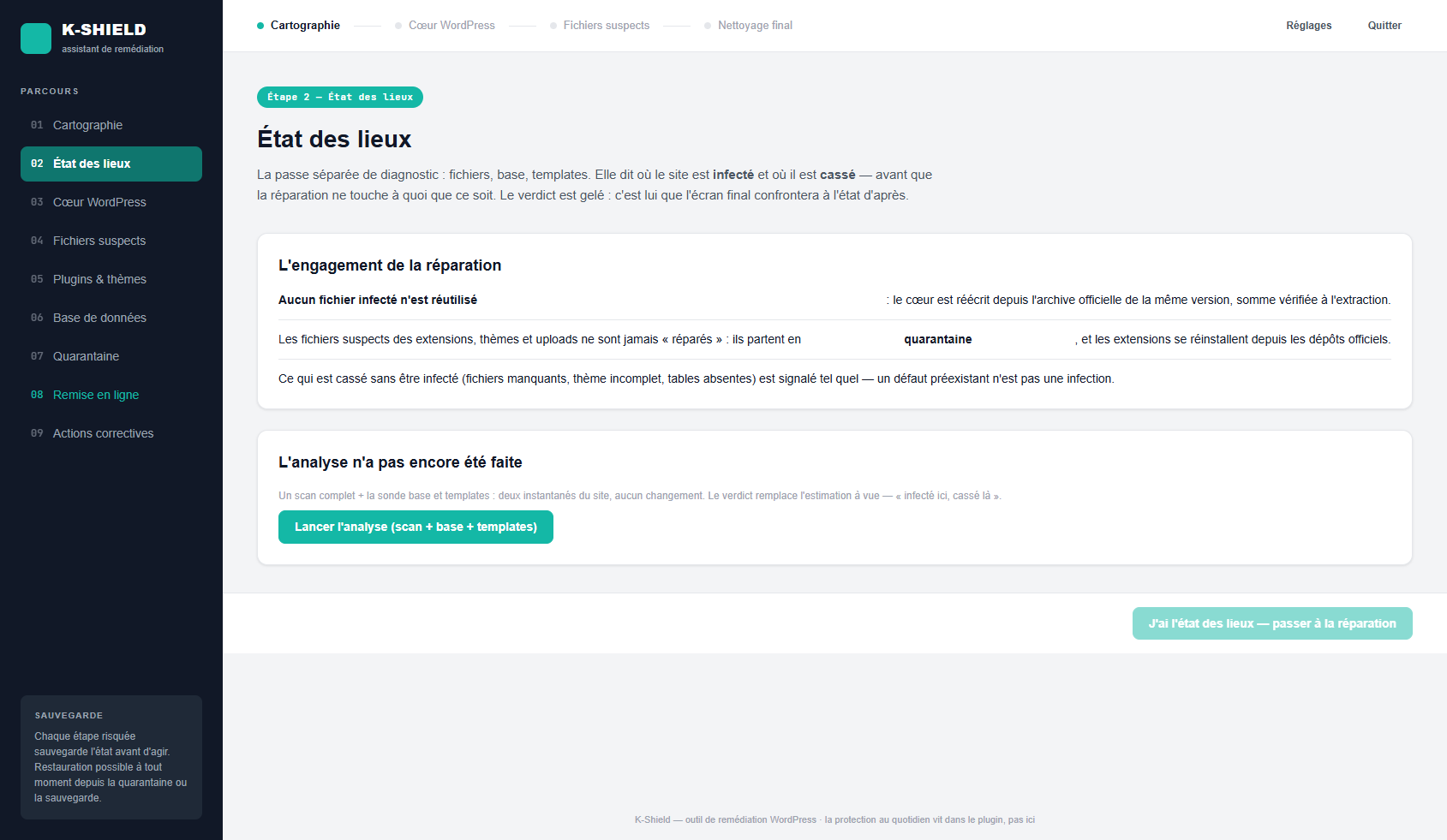
Actual K-Shield interface before analysis.

Actual K-Shield interface, published on WPSuite.

Software experience, applied to your work.

“I want a tool that fits my business and can evolve with it.”

From ERP work since 1999 to security and publishing tools, Karbonic designs software around the operations it needs to support.

K-Shield, NetWatch and HTML Editor are tangible examples. Ongoing work also covers business management, email, document files and summaries whose facts remain linked to their sources.

Your business rules, data migration, checks and maintenance are considered together.

Expertise & projects · Our software · How results are checked FR

Hosting & control over data

On your premises, in the cloud
or across both.

You choose where your data and services are managed. Costs, access, backups and recovery conditions are explained before you decide.

Compare hosting options
Keep my data on my own equipment

Physical servers, virtual machines or compact infrastructure can be managed on your premises. Maintenance, security and backups are part of the arrangement.

Use hosted services

Features, access, processing locations and costs are examined. Backups and the ability to recover your data are prepared.

Combine both approaches

Some services can remain on site while others are hosted. Exchanges and access rights are organised to keep the whole manageable.

News & practical questions

Guidance for decisions.

View the journal FR

A concrete starting point

Let's discuss what
you want to improve.

Describe the difficulty. Options and the work required will be discussed with you.

Let's discuss your situation FRWork, budget and schedule